

6
If you’ve ever struggled with entering one-time passwords (OTPs) or waiting for magic links to arrive in your email, you’re not alone. For years, these methods have been the standard for secure sign-ins—but they often come with frustration, delays, and inconvenience.
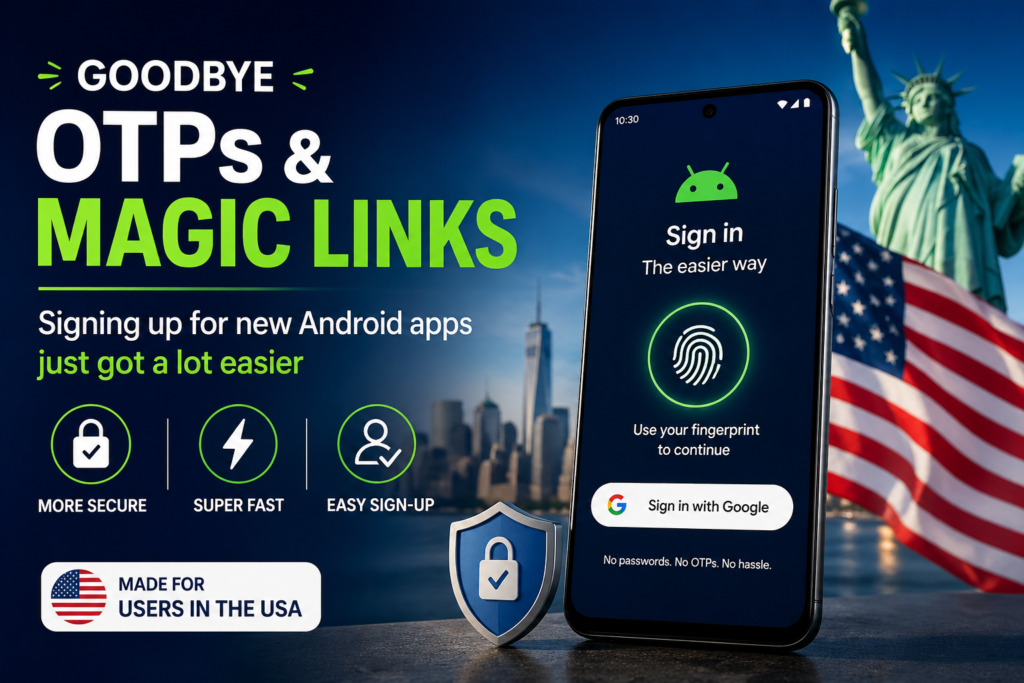
Now, things are changing. In 2026, Android is moving toward a simpler, faster, and more secure way to sign up and log in to apps—without relying heavily on OTPs or magic links.
In this guide, you’ll learn:
- What’s replacing OTPs
- How the new system works
- Why it benefits everyday users
- Practical tips to use it safely
What Are OTPs and Magic Links?
Before diving into the new system, let’s quickly understand the old methods:
OTP (One-Time Password)
- A temporary code sent via SMS or email
- Used for login verification
- Expires quickly
Magic Links
- A clickable link sent to your email
- Logs you in instantly when clicked
Problem with These Methods
- Delays in receiving codes
- Email/SMS dependency
- Poor user experience
- Security risks (phishing, SIM swap attacks)
What’s Changing in Android Sign-Ups?


7
Android is introducing passwordless authentication methods, mainly powered by:
🔐 Passkeys
Passkeys are secure digital credentials stored on your device.
- No need to remember passwords
- Uses biometrics (fingerprint, face unlock)
- Syncs across devices securely
📱 One-Tap Sign-In
- Log in using your Google account
- No OTP or email link required
- Instant access
🔑 Device-Based Authentication
Your phone becomes your authentication tool:
- Face recognition
- Fingerprint scanning
- Device PIN
Why This Is a Big Deal for Users
1. Faster Login Experience
No waiting for SMS or emails—just one tap and you’re in.
2. Better Security


6
- No phishing links
- No stolen OTP codes
- Strong encryption
3. Less Frustration
- No forgotten passwords
- No typing errors
- Seamless experience
Real-Life Example
Imagine installing a new app:
👉 Old way:
- Enter email
- Wait for OTP
- Enter code
👉 New way:
- Tap “Sign in with Google”
- Use fingerprint
- Done in seconds
Step-by-Step: How to Use the New System
Step 1: Choose Sign-In Option
Select:
- “Continue with Google”
- Or passkey login
Step 2: Verify Identity
Use:
- Fingerprint
- Face unlock
Step 3: Access Your Account
Instant login—no extra steps
Key Takeaways
- OTPs are becoming outdated
- Passkeys are the future
- Android is focusing on speed + security
- Users benefit from simpler access
Pros and Cons
✅ Pros
- Faster login
- Strong security
- User-friendly
- No passwords needed
❌ Cons
- Requires modern device
- Learning curve for new users
- Limited adoption (for now)
Common Mistakes to Avoid


6
- Ignoring device security settings
- Not enabling biometrics
- Using outdated apps
- Clicking suspicious links
Comparison: Old vs New Login Methods
| Feature | OTP/Magic Link | Passkeys |
|---|---|---|
| Speed | Slow | Instant |
| Security | Medium | High |
| User Experience | Frustrating | Smooth |
| Dependency | Email/SMS | Device |
Checklist for Users
✔ Update your Android device
✔ Enable biometric security
✔ Use trusted apps
✔ Keep Google account secure
Future of Authentication


6
The shift toward passwordless authentication is just the beginning. In the future, we may see:
- Fully biometric-based systems
- AI-driven identity verification
- Cross-platform authentication
Conclusion
The days of waiting for OTPs and clicking magic links are slowly coming to an end. Android’s new approach to authentication makes signing up for apps faster, easier, and more secure than ever before.
For users, this means less hassle and more convenience. For developers, it means better user retention and fewer login issues.
If you haven’t already, now is the perfect time to embrace this new, passwordless future.
FAQs
1. Are OTPs completely going away?
Not immediately, but they are being replaced by more secure options like passkeys.
2. What is a passkey?
A passkey is a secure, passwordless login method that uses your device and biometrics.
3. Is this safe?
Yes, it’s more secure than traditional passwords and OTPs.
4. Do all apps support this?
Not yet, but adoption is growing quickly.
5. Do I need a new phone?
Most modern Android devices support passkeys and biometric login.